cyrix can play bumper jumper on og xbox for cheap.
Insignia just revived the Halo 2 Xbox Live experience. You are so pumped to play Halo 2 online again. You set up your old xbox, configured it, even have a communicator for voice chat.
But wait.
You have moved on to using bumper jumper, and original xbox controllers don't even have bumpers. And oh crap, Halo 2 doesn't let you completely customize your button layout anyways. So what do you do?
Welcome to programmable controllers

One way third party controller vendors could stand out was by adding additional features. Most commonly this came in the form of a turbo button. Pressing this would just rapidly press one of the buttons on the controller instead of having you ruin your thumb trying to do this. Then there were macro buttons which would allow you to do a sequence of button presses in one button press. These made sense for games that required you to do mundane tasks repitively, or had fairly complicated button combos.
But then there were these programmable controllers. Nowadays this feature would be called button remapping. I guess this is where I'll say all three words would be interchangeably used sometimes so YMMV. But with a programmable xbox controller in 2005, you could remap the buttons on a controller to any other button on it.
But what about bumpers?
While PS2 controllers had multiple shoulder buttons on both sides, the xbox only had triggers. It did have these auxiliary white and black buttons though that 3rd party controllers took some liberties with putting them on other parts of the controller. There is at least ONE pair of controller that put them in the bumper position AND is programmable, therefore giving you the ability to do bumper jumper on Halo 2 on Insignia for like, the $20 the controller costs.
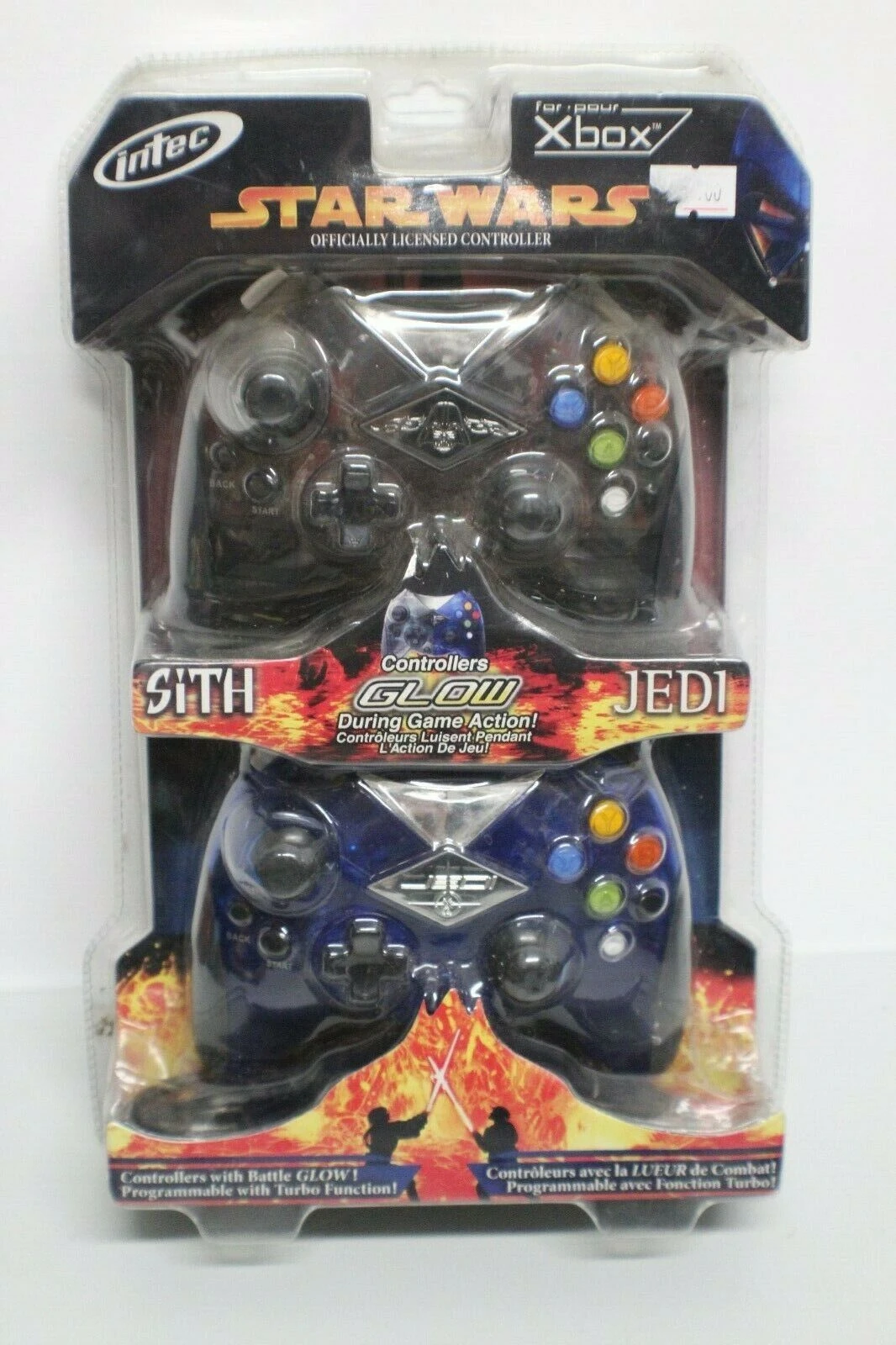
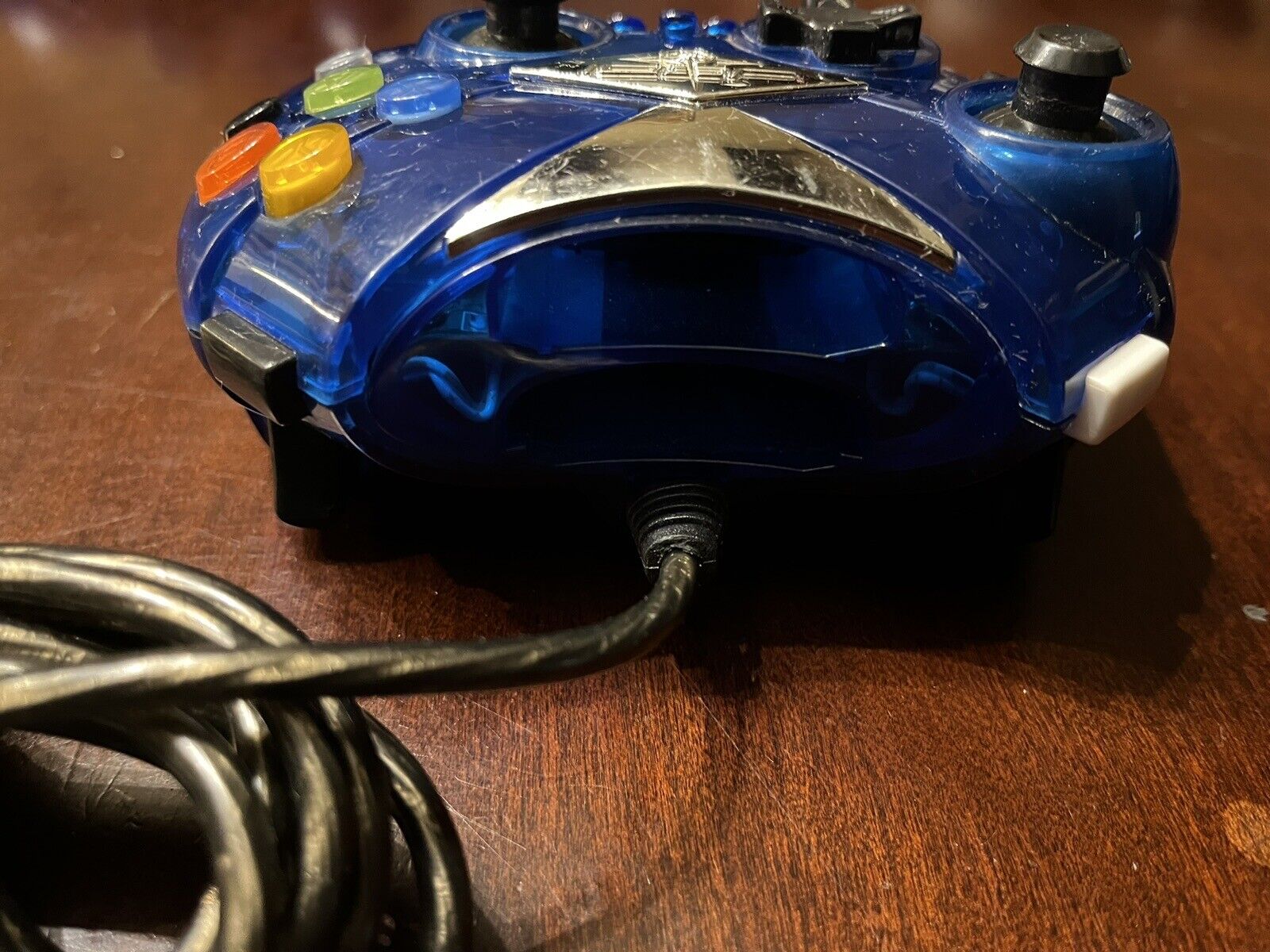
Intec made a bunch of original xbox controller that all look similar, but these promotional star wars controller specifically are programmable and have the white and black buttons in the bumper/shoulder position. I have tested this personally and it works. IIRC you press the program button, press the button you want to map elsewhere while the light blinks, then press the button you want it mapped to. Or vice versa. That's all there is to it. The only catch is I don't believe the controller "remembers" you configuration so unfortunately you do have to do this every time you boot up. The other downside is you're using a third party controller. It isn't amazing. Those bumper buttons are a little small. The thumb sticks mine came with sucked, but you could replace those. So yeah, that's the catch.
What other options do I have if I have more money?
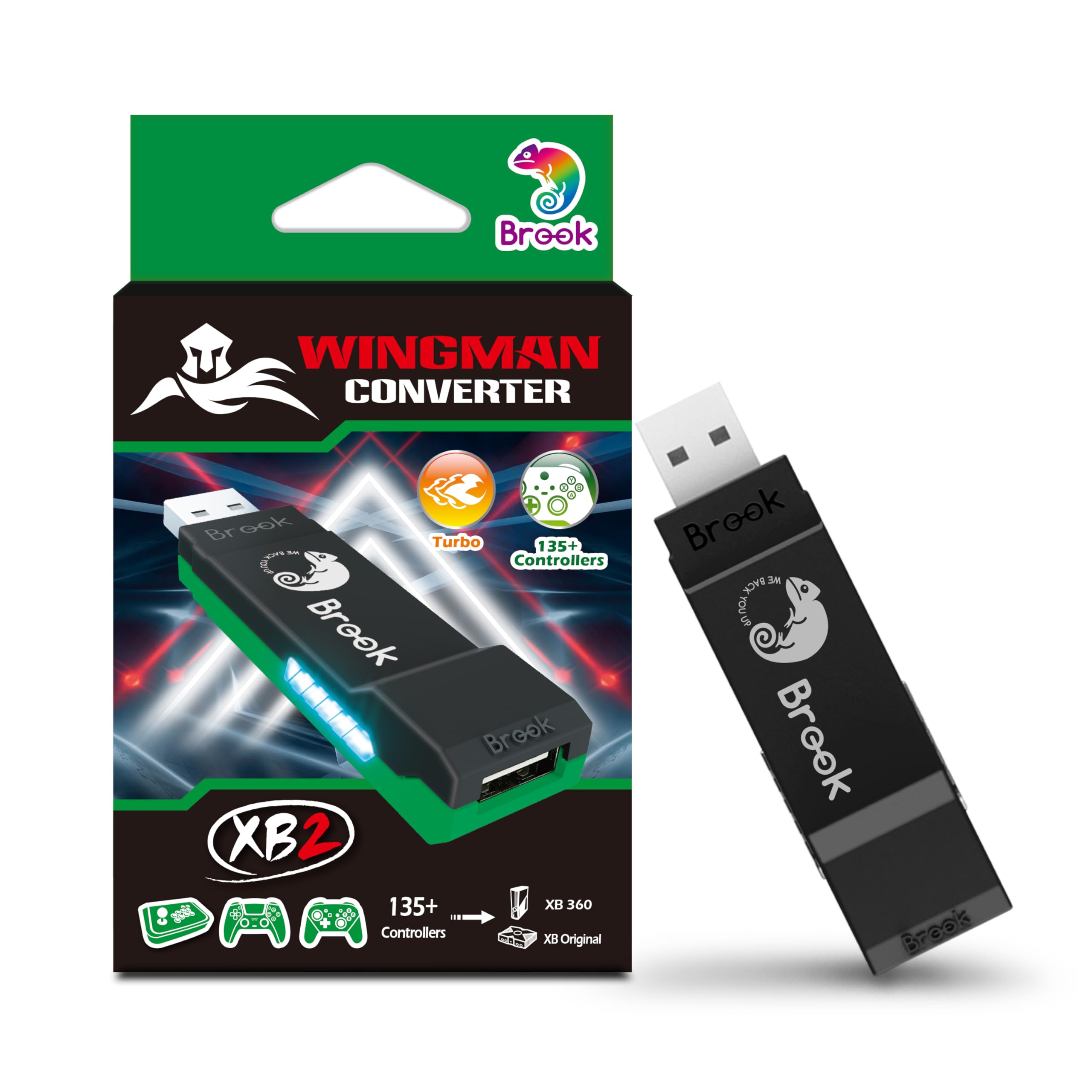
There are three main options AFAICT. The most feasible option is the XB Wingman 2. This should let you connect an array of modern controllers to the original xbox, as well as remap buttons. The hobbyist option is the ogx360, and there's a newer/cheaper variant that utilizes a raspberry pi pico called the OGX-Mini. The only issue with all three of these is they add somewhere between 1ms-5ms of lag. Less if you used a wired controller, and less depending on the device, but still not nothing. Now you can get a modchip, the Project Stellar, which bakes xbox one controller support natively into the console. The input lag hit is a nanosecond or two, which means while technically there is so it's going to be imperctible (even a couple ms of input lag is going to be imperctible). With this though you would need need an xbox one controller that allows you to remap buttons on the controller itself, though, like the Razer Wolverine Ultimate, for example.
Did I miss anything? I'm sure I did. Please correct me in my discord channel